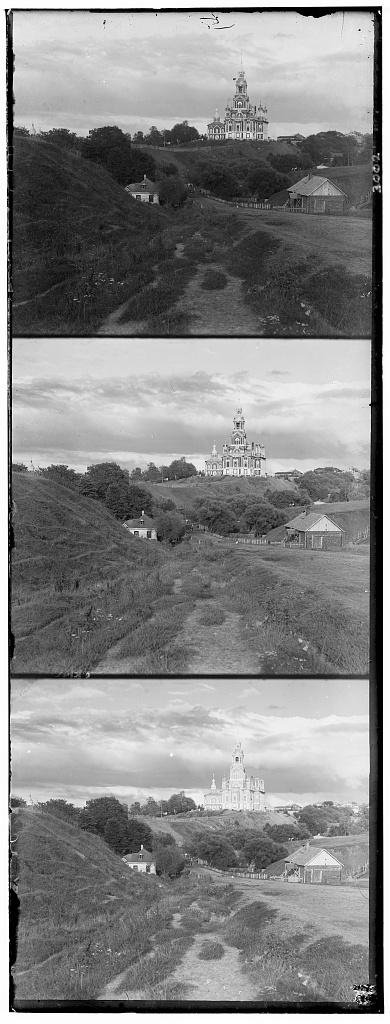
Original Cathedral image with separate R, G, B channels
This blog explores how to use OpenCV to colorize grayscale images. Before the advent of color cameras, photographers captured images of each RGB channel separately to reconstruct the final color image.
I will use the following image as an example:
This image is a grayscale image (only one channel instead of RGB), with each of the 3 sections representing the blue, green, and red channels in grayscale. Our job is to combine these three grayscales to create a color image.
A naive attempt at this will look something like this:
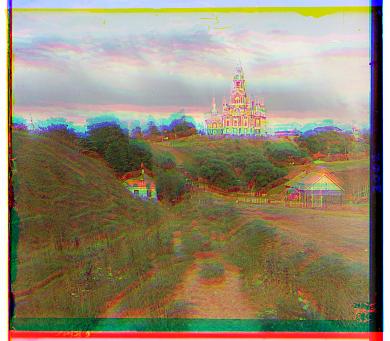
What we do here is naively chunk the original image into thirds by height and assign the colors respectively. We can see that the images do not align properly.
Thus, we need to align the three images together to get the correct color image. An easy way to start is to find the alignment that reduces the L2 loss, since we know that these colors will generally have high correlation.
Of course, a natural problem that arises here is that after adding some sort of offset, the image dimensions will no longer match up. Thus, we need to find a way to account for this in our norm. One way to do this is to apply the L2 norm on a smaller patch of the image such that both the original and shifted dimensions include the entirety of this smaller patch. I arbitrarily chose the middle 40% of each dimension (meaning we only use 16% total).
Applying this technique to our image, we get the following output:
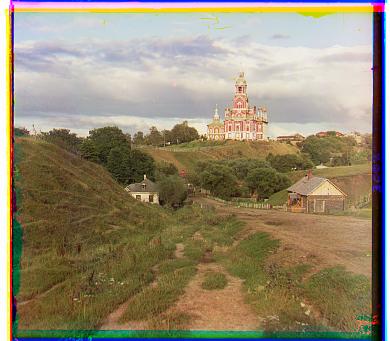
Another way to do this is to use the Normalized Cross Correlation (NCC) loss. The output looks as follows:
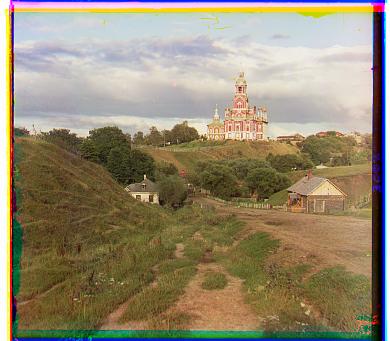
The problem here is that although this works on a smaller image like this (~300 x 300 pixels), trying to brute force search this on every pixel will take too much time. Thus, we want to implement a pyramid-based search to find the best alignment.
A pyramid-based search starts with a much lower resolution version of the image (downsampled) and finds the best offset for this smaller version. Then, we look at a larger version of it, find an offset (based on the offset of the smaller version) and repeat this process until we reach the original resolution.
In this particular case, the pyramid search results in the same output without any significant speed up. However, consider a different image such as this image of 3 generations:
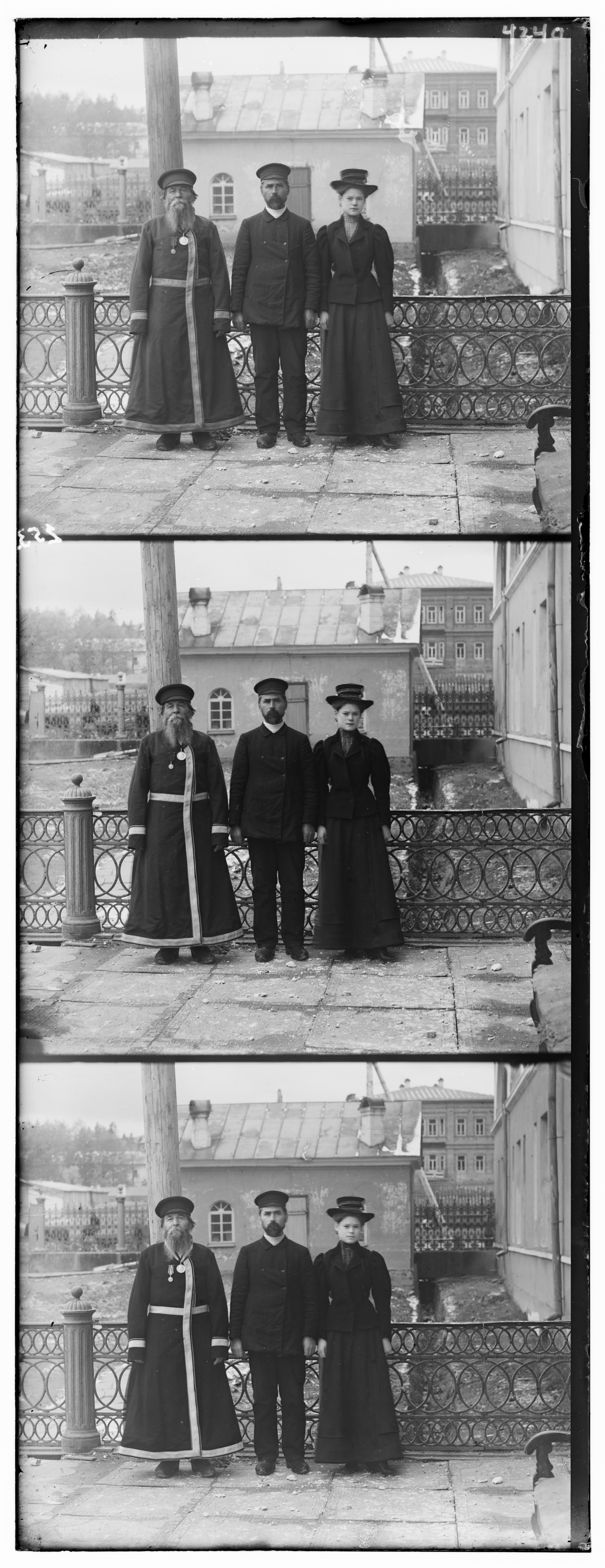
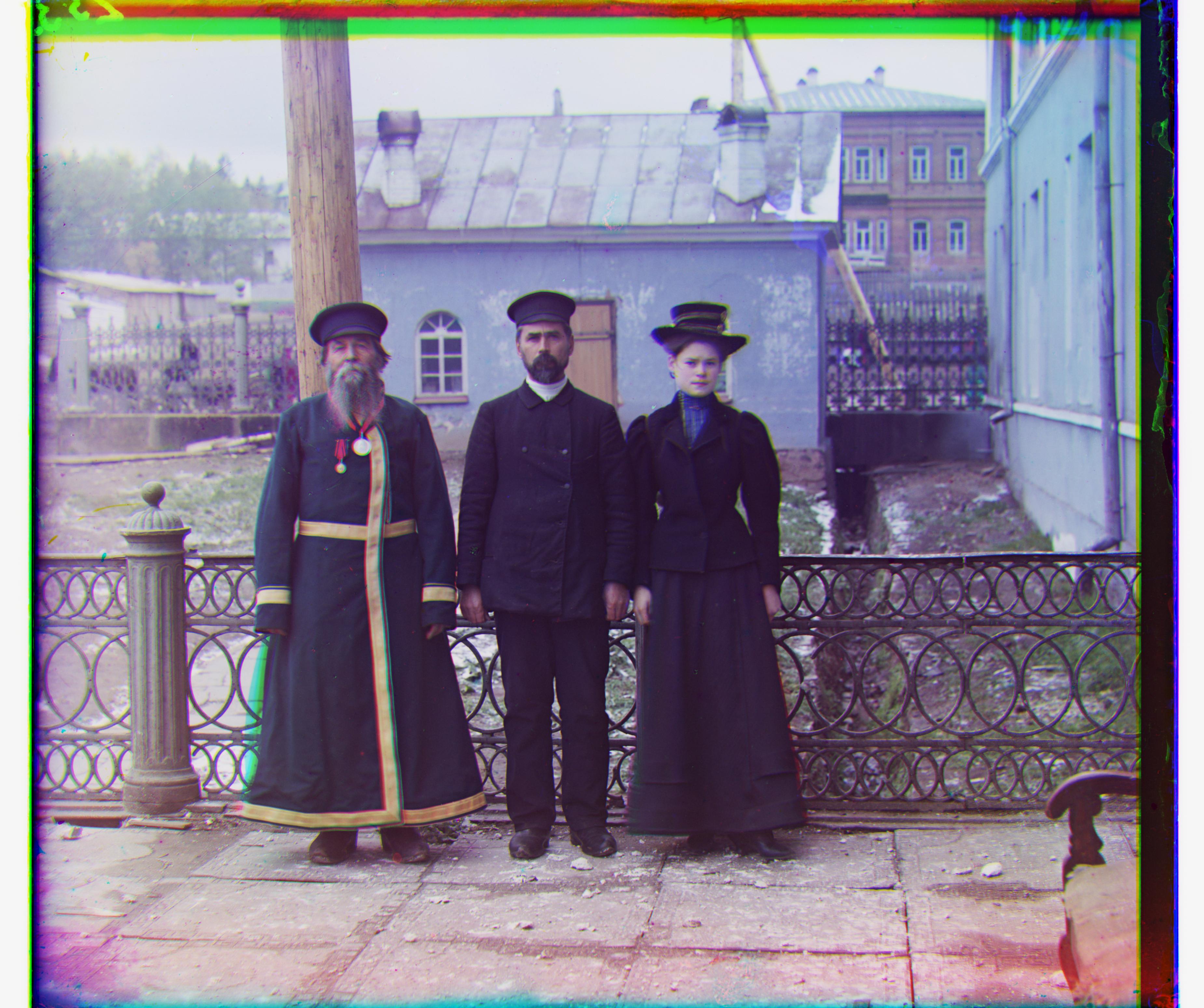
This image is 9629 x 3714 pixels. If we were to use the brute force approach, we would have to search tens of millions of possible alignments, taking minutes if not hours. On the other hand, the pyramid search only takes a few seconds under the right conditions.
Here is the output of the pyramid search:
Here are the results of the pyramid search algorithm applied to various other images:
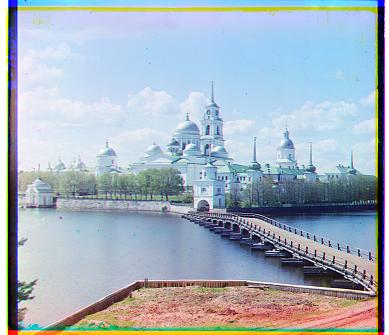
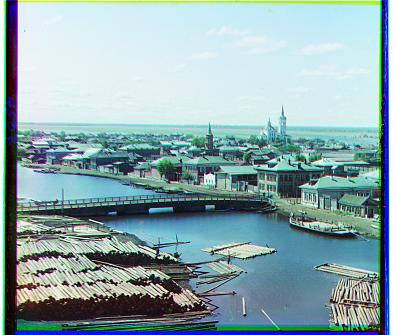
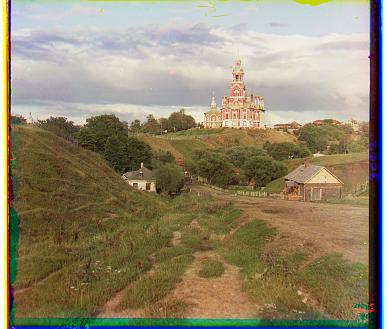
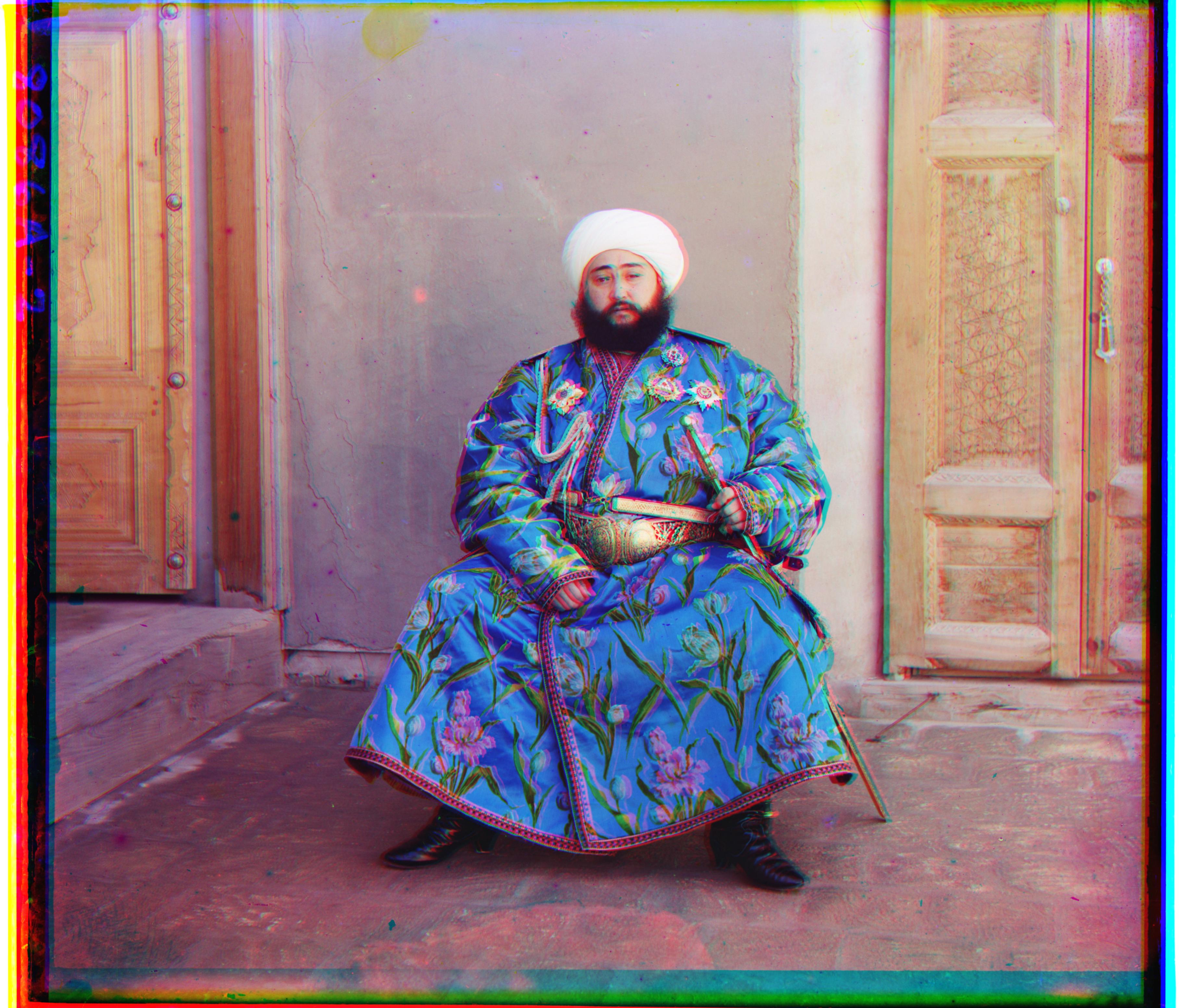
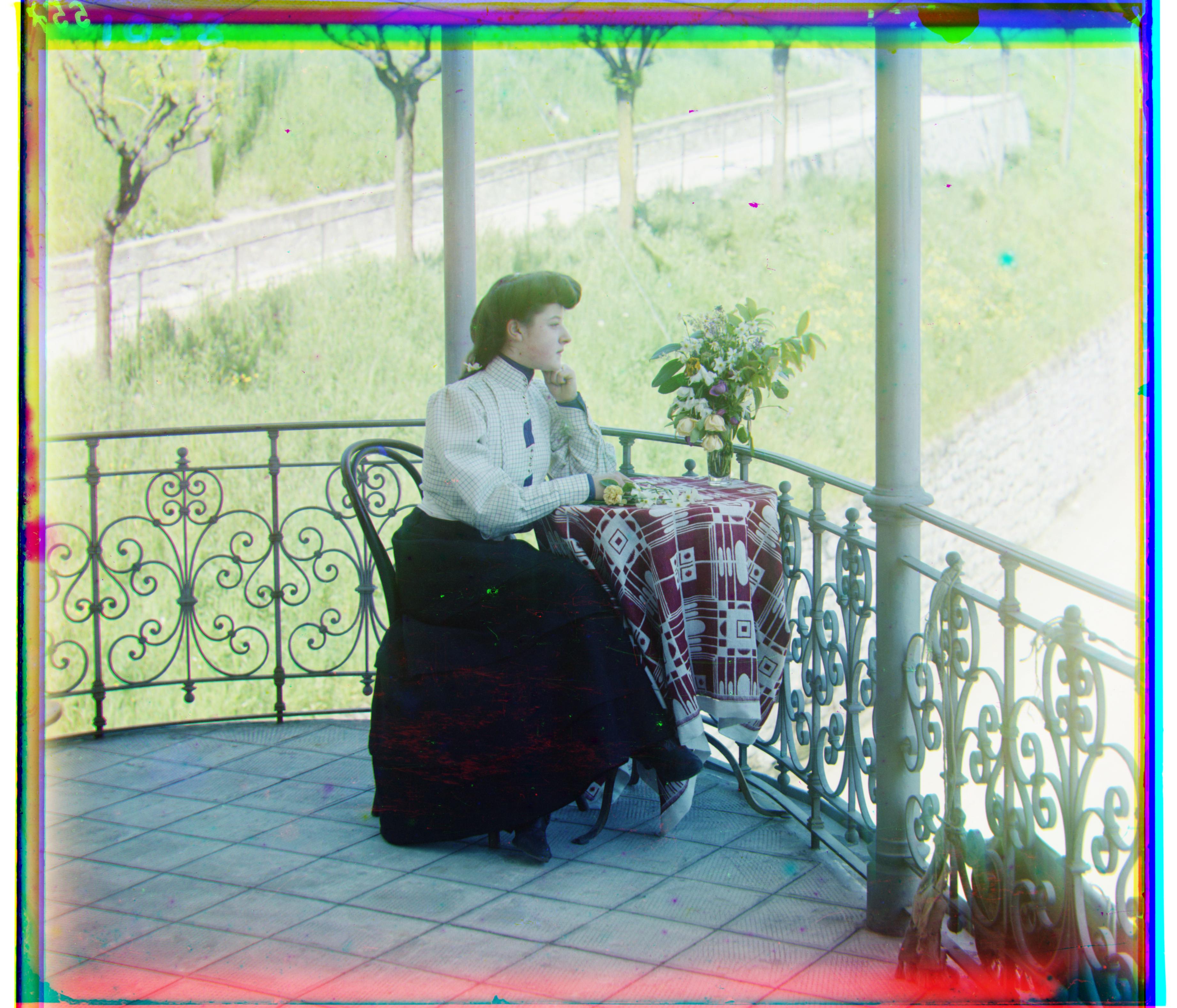
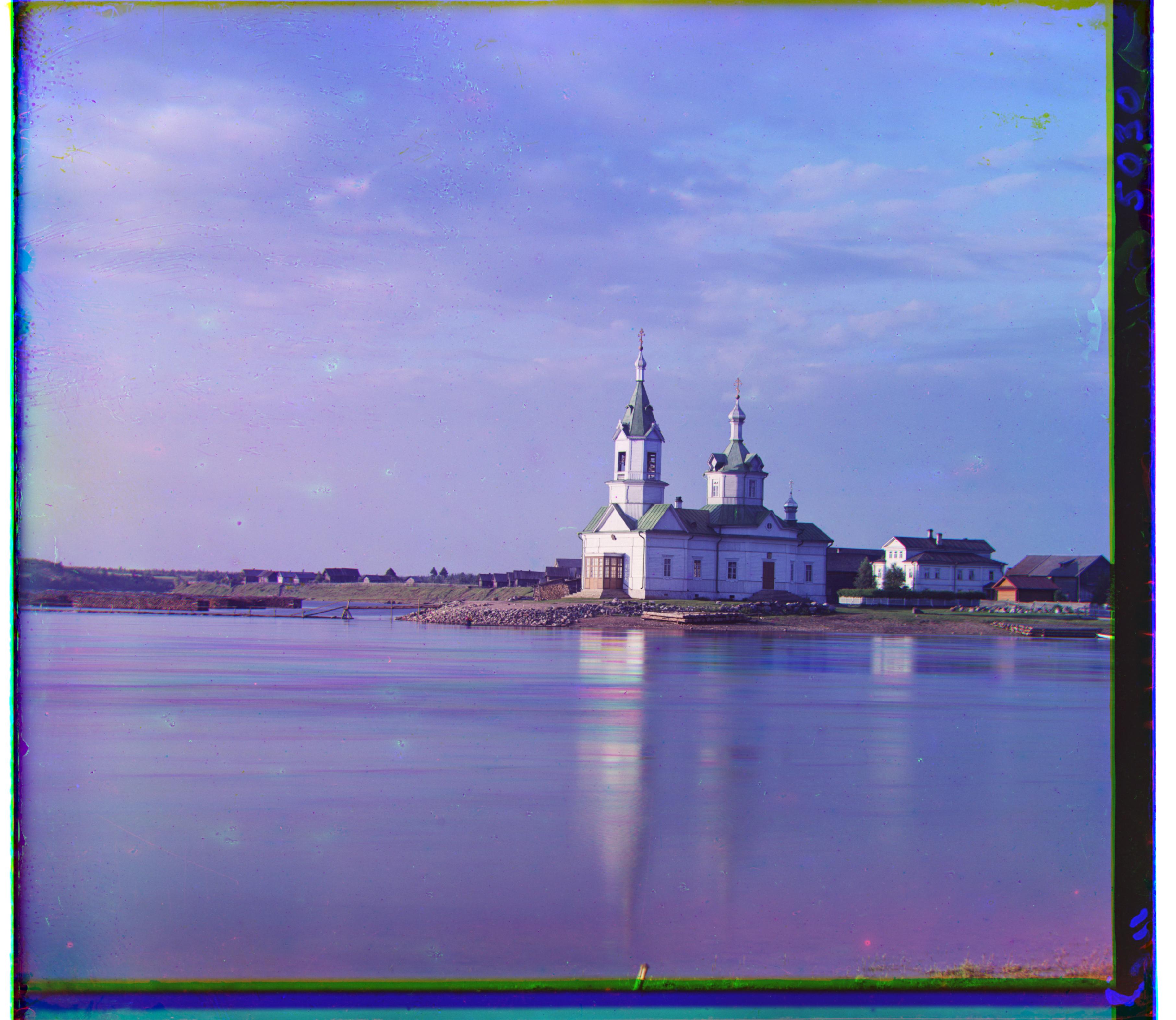
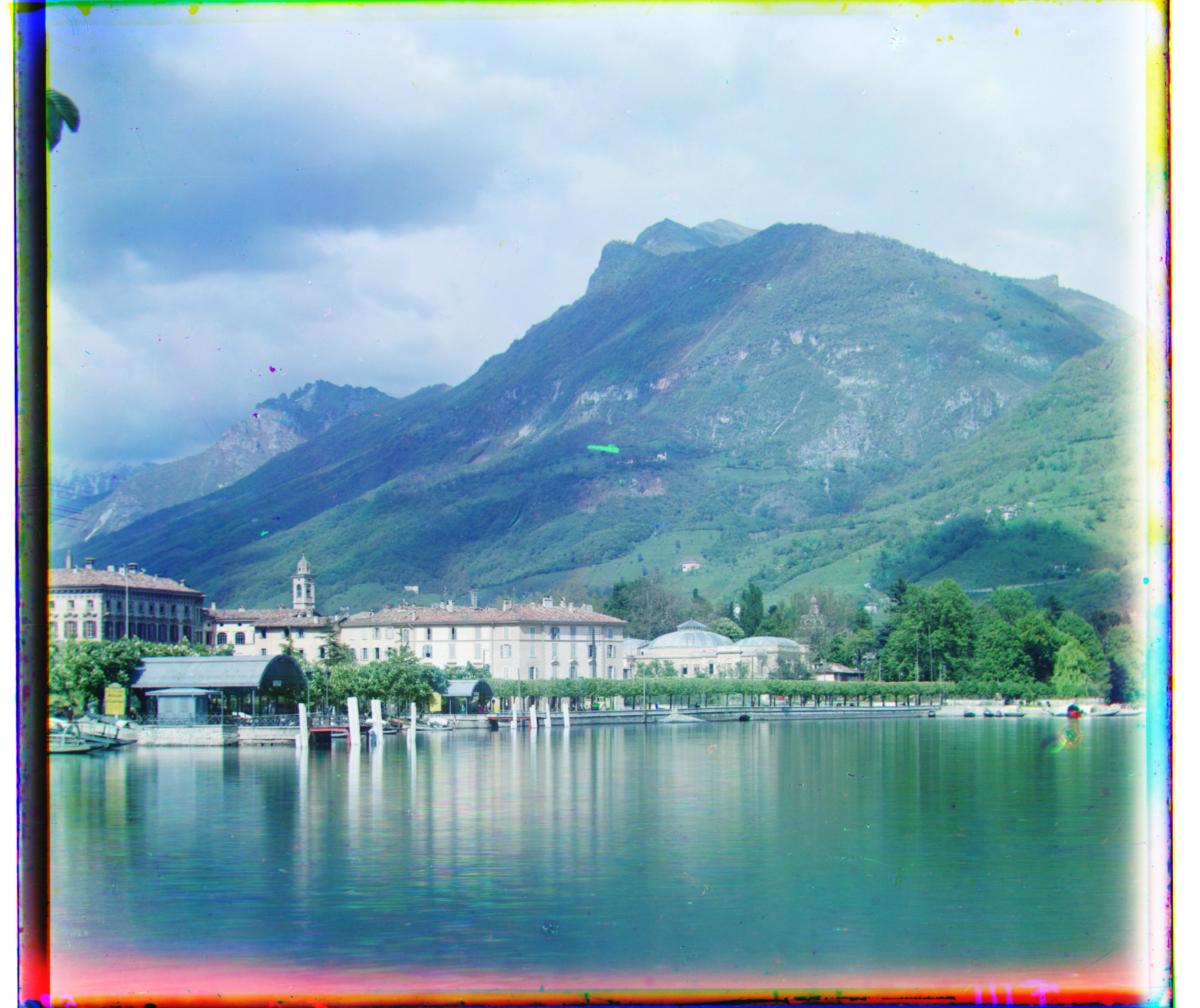
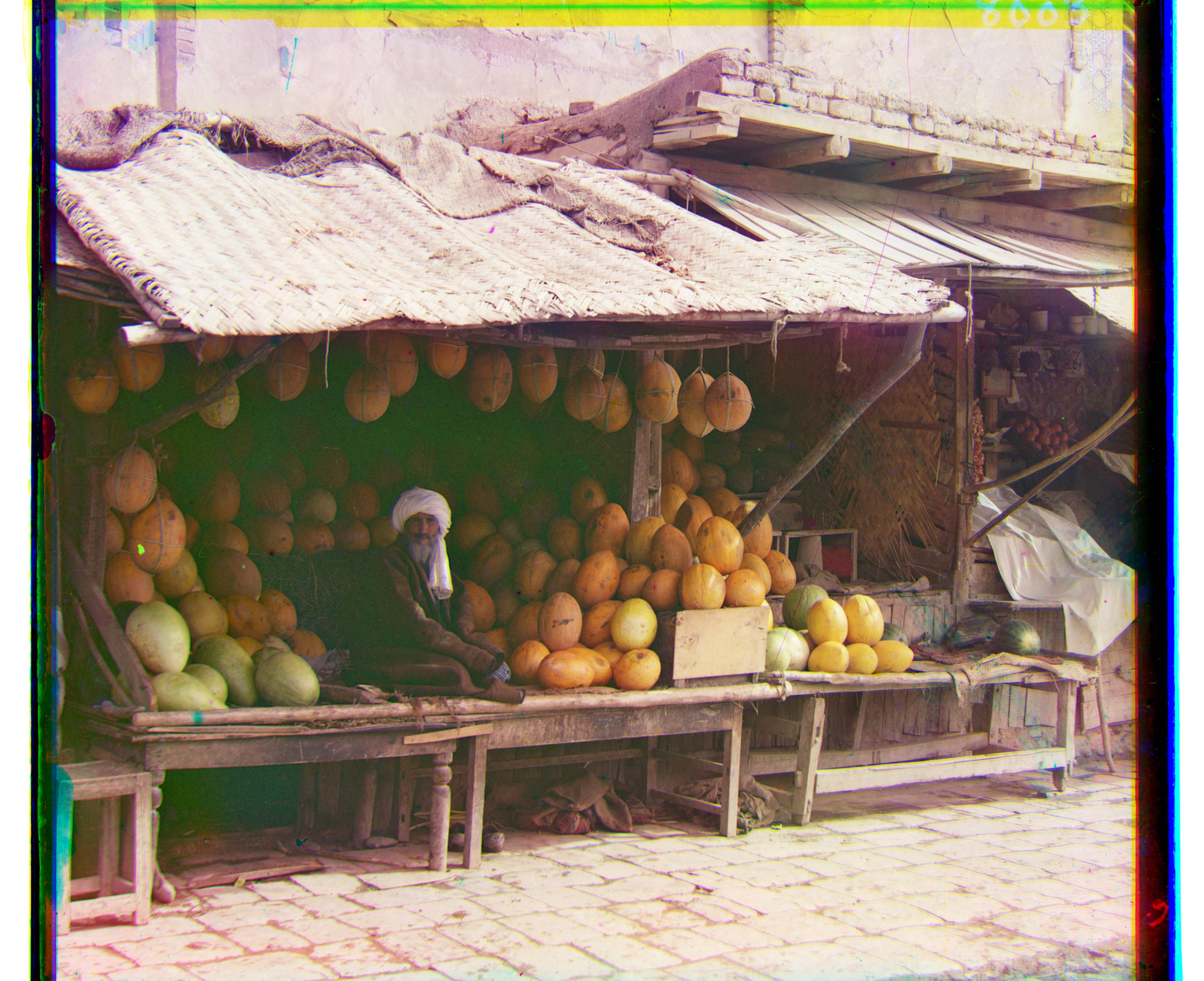
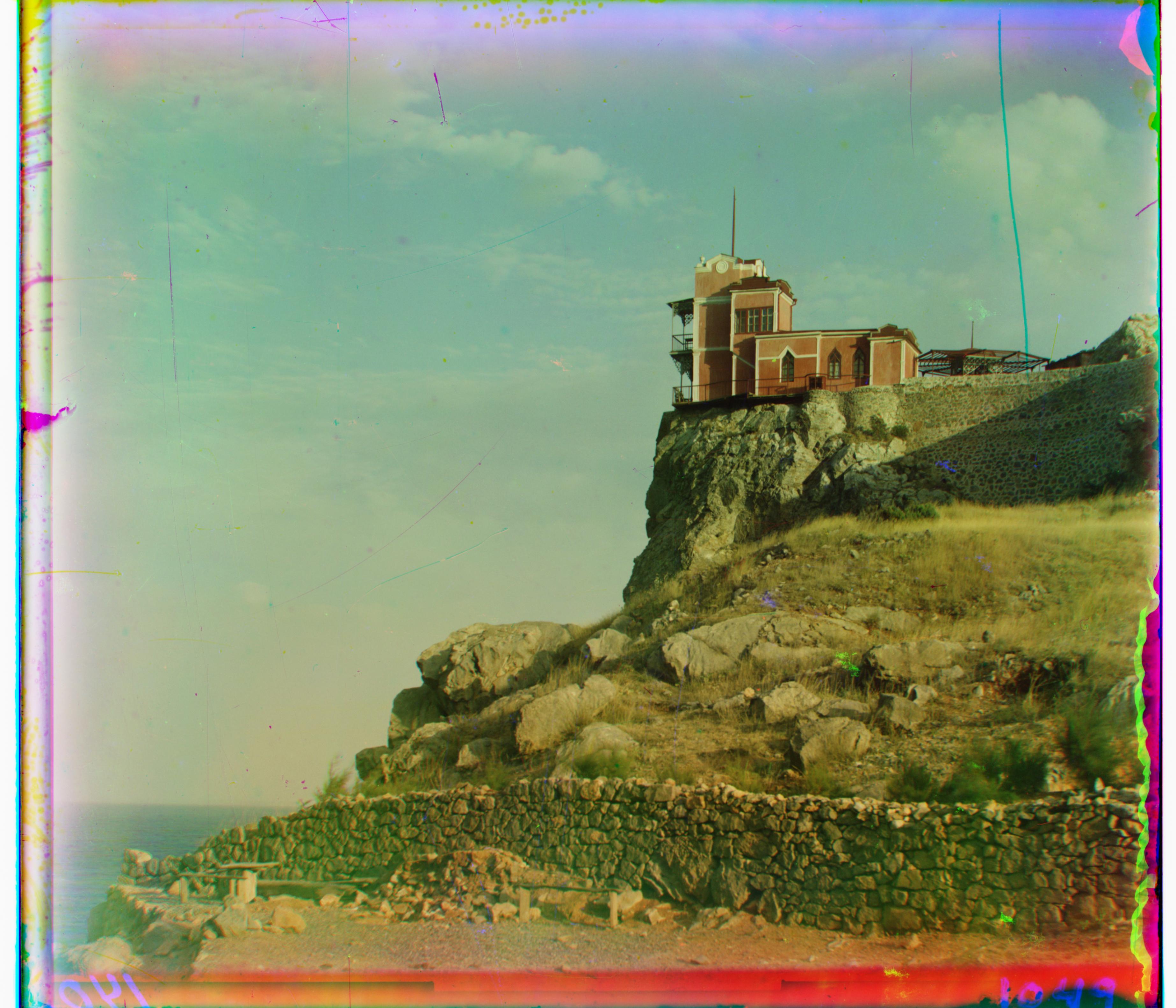
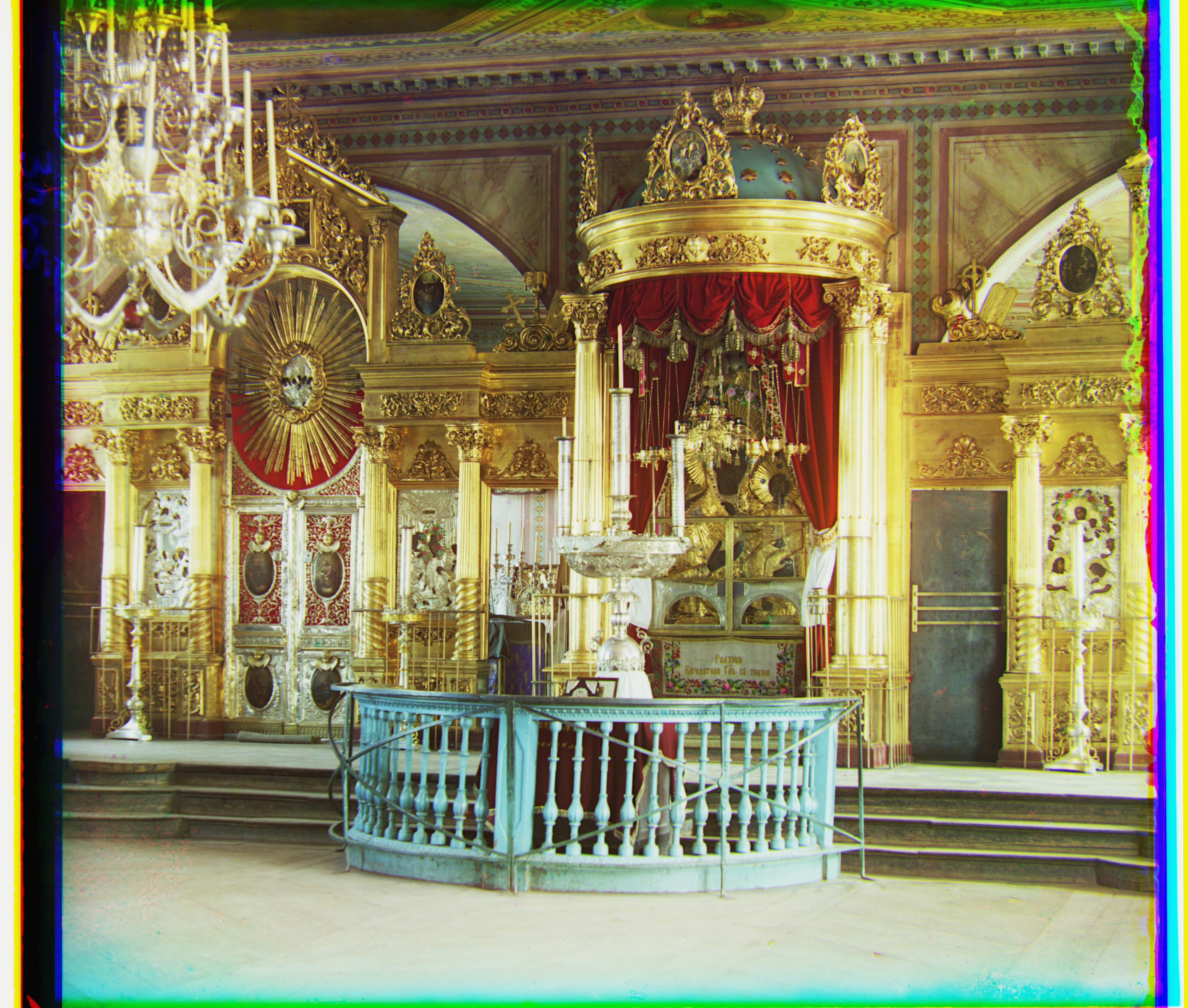
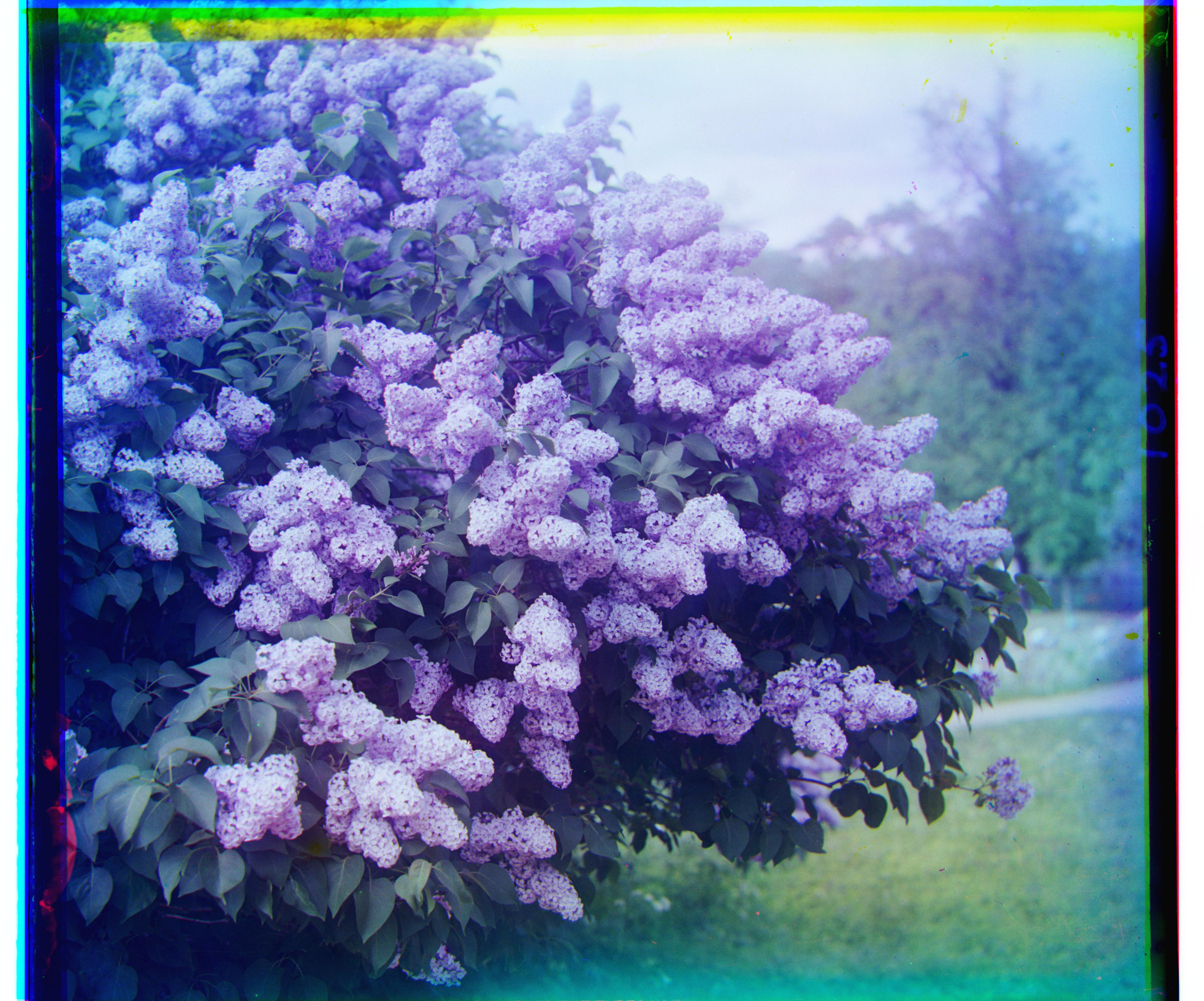
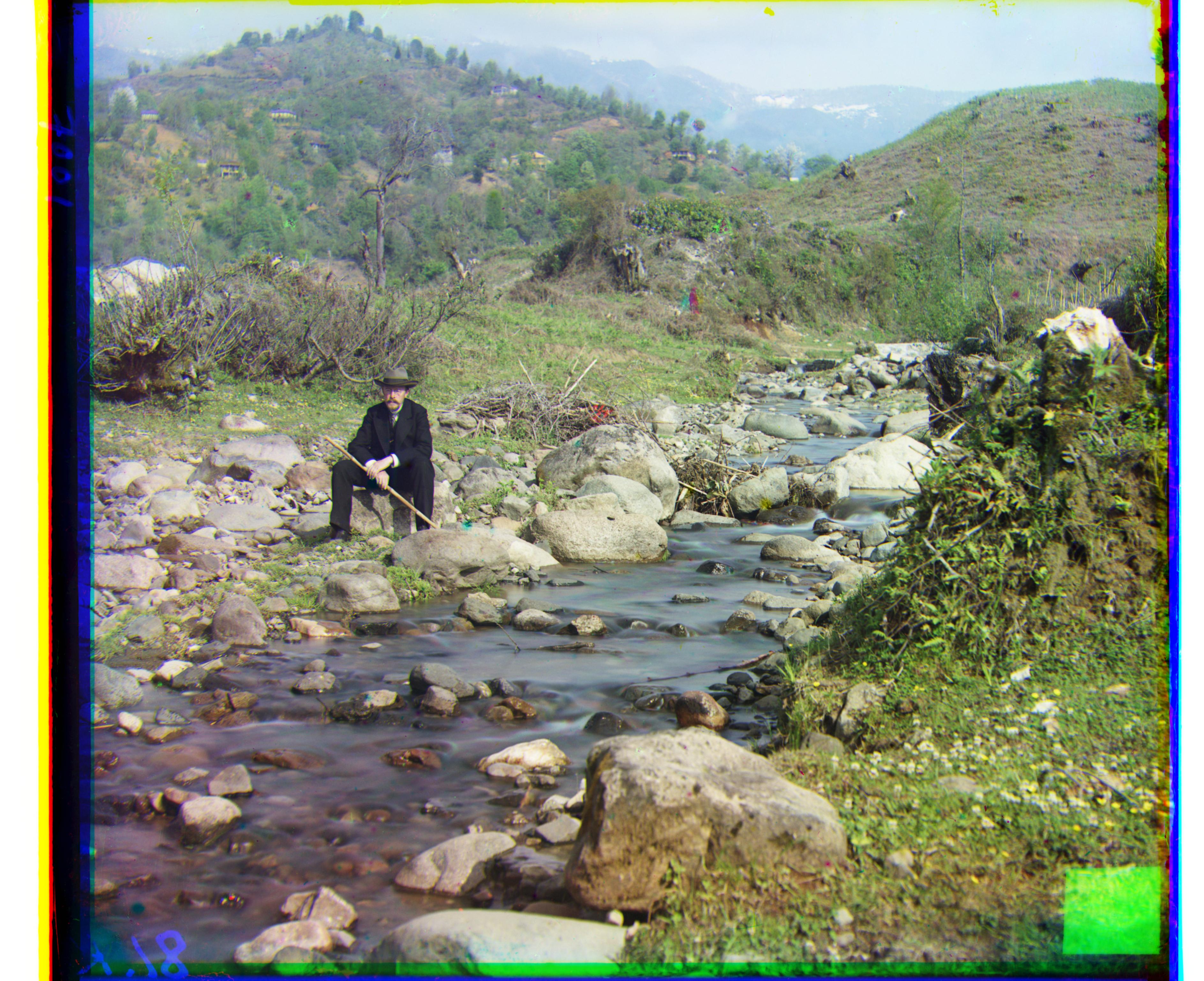
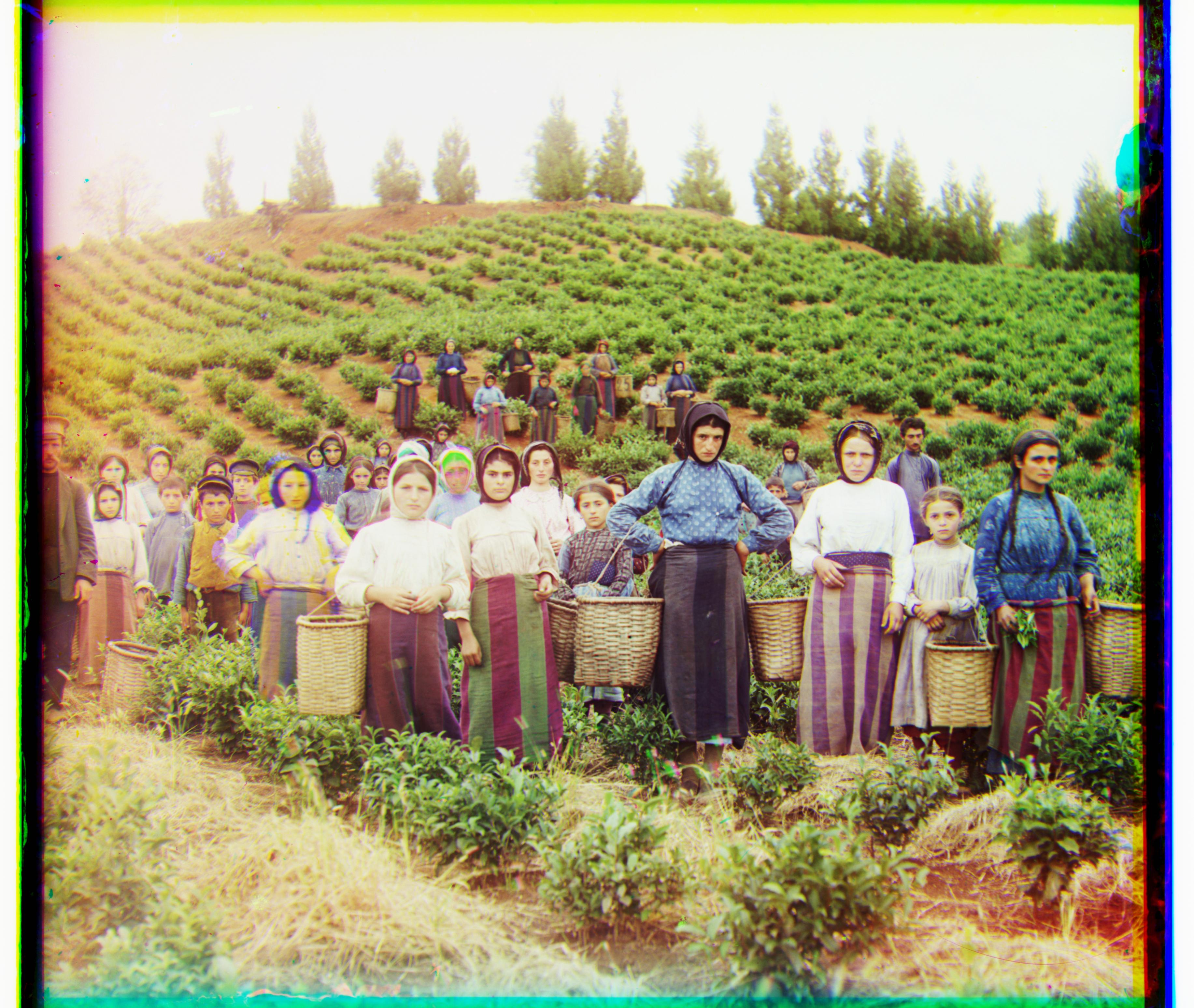
There are a couple of interesting things to note about these results:
Motion Artifacts: The church image's water color appears a bit off. This is because water will inevitably flow and thus will look slightly different in all three photos taken for the separate channels.
In general, anything moving will result in this effect, which you can also see in the harvesters photo, where it seems one person moved around a bit and thus doesn't look quite right in the final colorization.
Technical Imperfections: There are some weird blotches in the final colorizations of most of these images, due to the original photographs not being perfect either. This represents an area where we could improve the colorization algorithm to produce better results.